
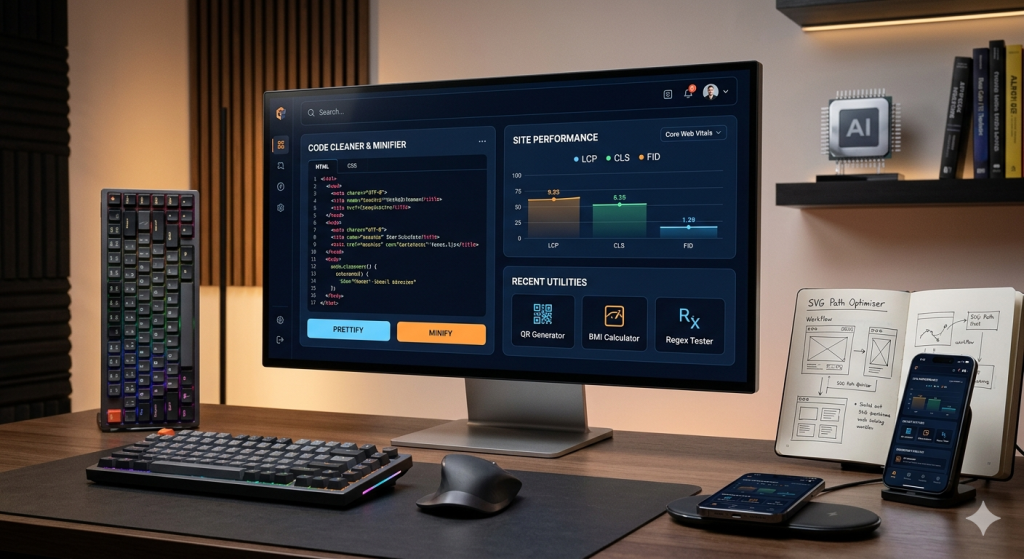
The digital landscape of 2026 demands more than just functional code; it demands performance, accessibility, and exceptional user experience. For developers building utility platforms—ranging from simple unit converters to complex API debuggers—the underlying architecture determines the longevity and success of the project. In this deep dive, we will explore the core pillars of modern web tool development, focusing on performance optimization, security, and the integration of utility-first design patterns.
1. Choosing the Right Framework: The Case for Next.js 15+
When building a suite of technical tools, the choice of framework is your foundation. While React remains the dominant library, Next.js has evolved into the industry standard for production-grade applications.
Server-Side Rendering (SSR) vs. Static Site Generation (SSG)
For a utility site, the hybrid approach is king. Static tools like a QR Code Generator can be pre-rendered using SSG to ensure near-instant load times. Conversely, tools that require real-time data fetching, such as an IP Geolocation Lookup, benefit from SSR to provide the most accurate, up-to-date information.
Why Developers Prefer Next.js for Toolkits:
- File-based Routing: Simplifies the management of hundreds of individual tools.
- API Routes: Allows you to build backend logic (like server-side image processing) directly within the same project.
- Image Optimization: Automatically serves the smallest possible file format (WebP/AVIF) to keep LCP (Largest Contentful Paint) low.
2. Design Philosophy: The Developer-Centric Interface
Technical users prioritize efficiency over “fluff.” A professional SaaS aesthetic—utilizing high-contrast dark modes, navy blue foundations, and sharp accent colors like sky blue or orange—creates an environment where data is easy to read.
The Power of Tailwind CSS
Tailwind CSS has revolutionized how we handle utility-first styling. Instead of writing thousands of lines of custom CSS, developers can use atomic classes.
Example: A High-Contrast Tool Container
HTML
<div class="bg-[#0a192f] border-2 border-sky-500 rounded-lg p-6 shadow-2xl">
  <h2 class="text-orange-500 font-mono text-xl mb-4">Input Data</h2>
  <textarea class="w-full bg-black text-white border-none focus:ring-2 focus:ring-sky-400 p-3"></textarea>
</div>
This approach ensures that your CSS bundle remains tiny, which is crucial for passing Core Web Vitals.
3. Solving the “Low Content” SEO Problem
Search engines often penalize utility pages because they usually consist only of an input box and a button. To rank high, you must wrap your tools in Educational Context.
How to Expand a Tool Page to 1500+ Words:
- The “How It Works” Section: Explain the math or logic. If it’s a BMI Calculator, explain the formula: $BMI = weight(kg) / [height(m)]^2$.
- Technical Use Cases: Describe who uses this tool. For a Base64 Encoder, explain how it helps developers embed small images directly into CSS files to reduce HTTP requests.
- Standard Tables: Use data tables to compare results (e.g., a table showing different hashing algorithms like MD5 vs. SHA-256).
- FAQ Section: Answer common questions like “Is my data stored on your server?” (Privacy is a huge ranking factor).
4. Performance Metrics and Core Web Vitals
In 2026, Google’s ranking algorithm is heavily weighted toward performance. Your tools must be “Lightning Fast.”
| Metric | Target | How to Optimize |
| LCP | < 2.5s | Use efficient hosting and optimized fonts. |
| FID | < 100ms | Minimize main-thread work by using Web Workers for heavy logic. |
| CLS | < 0.1 | Set explicit width/height for all UI elements. |
5. Security Protocols for Web-Based Tools
Security is non-negotiable for a technical audience. When users paste code or data into your tools, they need to know it is safe.
- Client-Side Processing: Whenever possible, perform calculations in the browser (JavaScript) so that sensitive data never touches your server.
- Content Security Policy (CSP): Implement strict CSP headers to prevent Cross-Site Scripting (XSS) attacks.
- Sanitization: Always use libraries like
DOMPurifyto clean user input before rendering it back to the screen.
6. The Role of AI in Modern Toolkits
The next generation of web tools will be “intelligent.” Integrating AI via APIs (like OpenAI or Gemini) allows for advanced functionality:
- Auto-Complete for Code: Predicting the next line of a CSS transition.
- Natural Language to Tool: Allowing a user to type “Convert 5kg to pounds” instead of finding the specific converter.
- Regex Explanation: Not just generating a Regex, but explaining exactly what each character
/^([a-z0-9_\.-]+)@/does.
7. Conclusion: Building for the Future
Building a successful toolkit site like ToolkitsPro is an iterative process. By focusing on a clean, authoritative design, providing deep technical context to avoid “low content” issues, and staying at the forefront of framework evolution, you can create a platform that serves the global developer community effectively.