
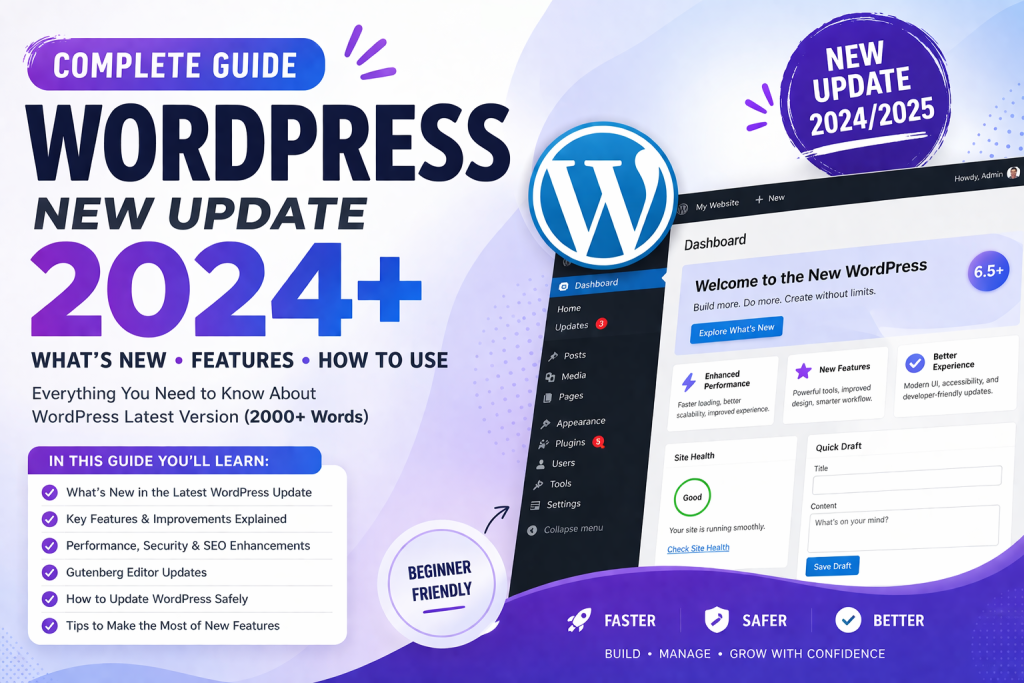
WordPress continues to dominate the website-building world, powering over 40% of all websites on the internet. With every new update, WordPress introduces improvements that make website creation faster, easier, and more powerful.
The WordPress 2025 update (6.5+) is no exception. It brings major improvements in performance, security, user experience, and block editor functionality.
In this complete guide, you’ll learn:
- What’s new in WordPress 2025
- Key features and improvements
- How to update your website safely
- Tips to get the most out of the new version
What is New in WordPress 2025?
The latest update focuses on speed, flexibility, and better design control. Whether you are a beginner or a professional, these changes will improve your workflow.
Improved Block Editor (Gutenberg)
The Gutenberg editor has received significant upgrades:
- Faster loading speed
- Better drag-and-drop experience
- New design blocks
- Improved responsiveness
Now, creating pages feels smoother and more intuitive.
🔹 Enhanced Performance
Website speed is a critical ranking factor in SEO.
With WordPress 2025:
- Faster page load times
- Optimized database queries
- Improved caching support
👉 This means better rankings and user experience.
🔹 Better Security Features
Security is always a top priority.
New improvements include:
- Stronger password enforcement
- Improved login protection
- Better plugin security checks
This reduces the risk of hacking and malware attacks.
🔹 New Design Tools
WordPress now gives you more creative freedom:
- Advanced typography controls
- Global styles improvements
- More customization options
You can design professional websites without coding.
Key Features Explained in Detail
1. Site Editor Improvements
The full-site editing experience is now more powerful.
You can:
- Edit headers and footers easily
- Customize templates visually
- Control global styles in one place
2. Block Patterns & Templates
Pre-designed layouts save time.
New update includes:
- More ready-made templates
- Custom reusable blocks
- Faster page building
3. Media Handling Enhancements
Uploading and managing media is now easier:
- Faster image uploads
- Better image optimization
- Improved media library UI
4. Developer-Friendly Updates
For developers:
- Cleaner code structure
- Better API performance
- Improved debugging tools
How to Update WordPress Safely (Step-by-Step)
Updating your site is simple, but you must do it carefully.
Step 1: Backup Your Website
Always create a full backup before updating.
Step 2: Update Plugins & Themes
Make sure everything is compatible.
Step 3: Go to Dashboard
Navigate to:
Dashboard → Updates
Step 4: Click Update
Install the latest version.
Step 5: Test Your Website
Check:
- Pages
- Plugins
- Design
Benefits of WordPress 2025 Update
✅ Faster Websites
Speed improvements help SEO and user experience.
✅ Better User Experience
Cleaner interface and smoother navigation.
✅ More Control
You can customize everything easily.
✅ Improved SEO Performance
Faster loading = better rankings.
SEO Impact of the New Update
This update directly affects your rankings:
- Faster speed → Better Google ranking
- Clean code → Improved indexing
- Better UX → Lower bounce rate
All these factors help your website grow.
Tips to Get the Most Out of WordPress 2025
Use Lightweight Themes
Avoid heavy themes for better performance.
Optimize Images
Use compressed images for faster loading.
Install SEO Plugin
Use tools like:
- Rank Math
- Yoast SEO
Enable Caching
Use caching plugins to improve speed.
Common Issues After Update (And Fixes)
❌ Website Breaks
👉 Fix: Restore backup
❌ Plugin Not Working
👉 Fix: Update or replace plugin
❌ Slow Website
👉 Fix: Clear cache and optimize images
FAQs
Is WordPress 2025 free?
Yes, WordPress is completely free to use.
Should I update immediately?
Yes, but always take a backup first.
Will my website break?
Usually no, but outdated plugins can cause issues.
Conclusion
The WordPress 2025 update is a major step forward in website building. With improved speed, better design tools, and enhanced security, it makes creating and managing websites easier than ever.
Whether you are running a blog, business website, or tool-based platform, updating to the latest version will help you stay competitive.